
Project Overview
CMS: WordPress
Services Provided:
- Plugin Consolidation
- Custom Code
- WooCommerce Maintenance
- Website Rebuild
- Website Maintenance
Choose your meal customizer
Before we designed or even built this aspect of the site. The design team and I sat down and figured out all the choices needed for this customizer, looked at the client’s references that included sites that had a similar functionality to what the end goal was going to be, and what functionality we could achieve with the tools we were using at the time.
After all the brainstorming and mock up I moved forward with building out the form. I used Gravity Forms as the base for the look, easy editing and quick conditional logic for time’s sake. And on the front end I used javascript and Jquery for the some animations and also to populate a small Meal Plan overview that reiterates your choices and links to the final meal plan. At the time WooCommerce didn’t allow a button that wasn’t on a product page to add a product to the cart so that was the work around. The part that took the most time and needed the most testing was the conditional logic used to build the link to the different product pages. I made a long if statement that added different parameters to the link depending on the choices made in the form. I initially built out one plan to make sure it was working properly then copied the if statement for the other two plans available. With those all built out I made sure to test each meal plan with different variations to ensure it was working properly. In the end I was quite proud of how the builder functioned.
Configure Subscription Products
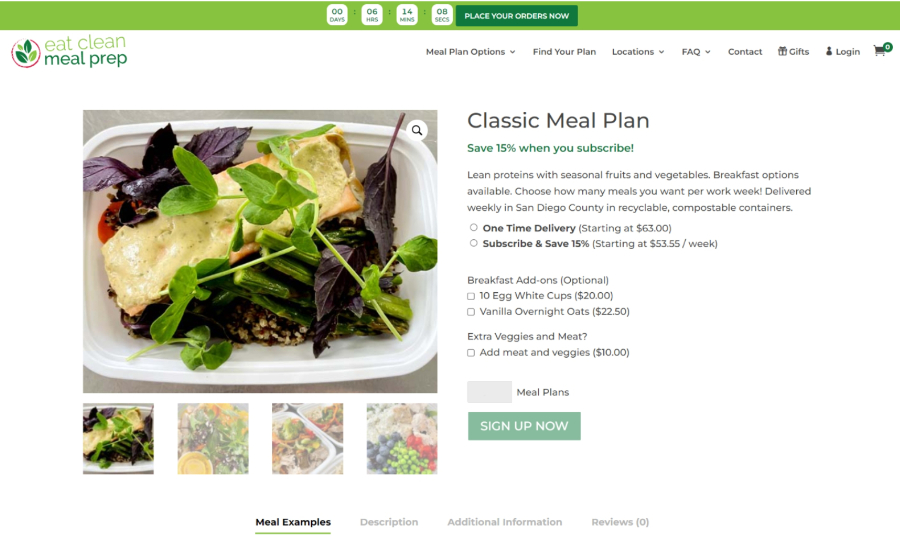
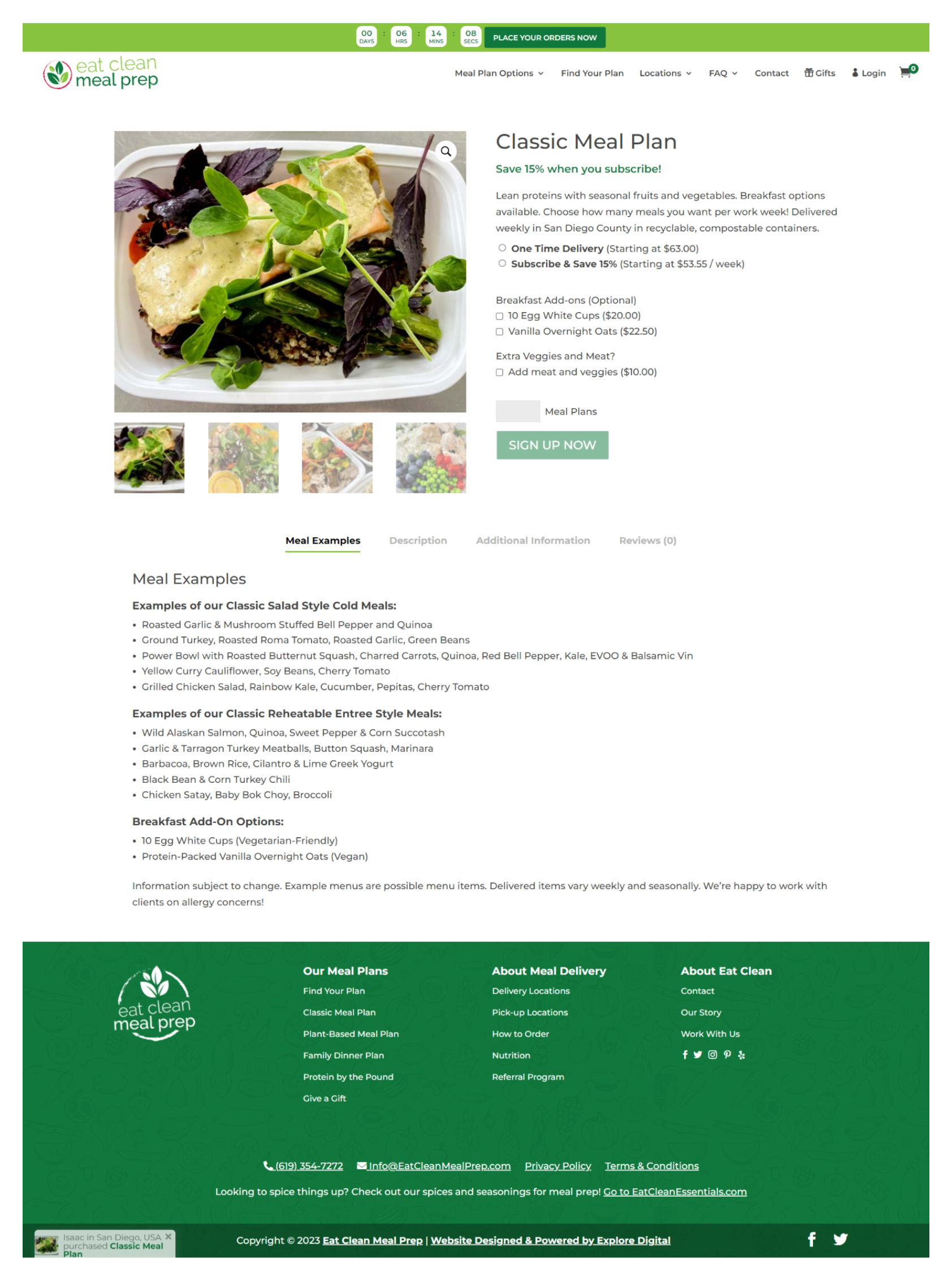
Since the default look and feel of Woocommerce pages were a bit confusing when it came to the customers product and they didn’t convert well. The design lead and I consulted to figure out the best way to include all the options available including a subscription option that wasn’t as cluttered as it had been before. She showed me what she was thinking about the look and feel, and I went ahead and found a plugin that allowed me to make variations that could look like swatches, radio buttons or checkboxes and it worked out perfectly. I was even able to add the subscription checkbox that would add them into a weekly subscription that was 15% less than the unsubscribed meal plan. Another thing done for the products was adding a custom tab for meal examples so users could get an idea of what they’d be receiving in the week. This was another rewarding part of the build that was so satisfying to see work when going through the QA process.
Homepage build and Template setup
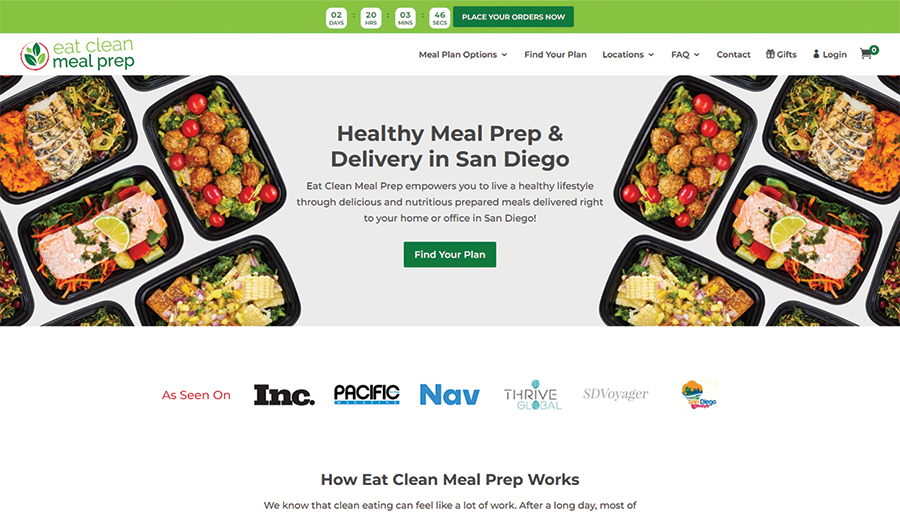
Because of the size of the website and timeline I worked with another developer to get some pages built. I built the homepage, the Choose Your Meal Plan page and customizer, the product pages and a few overview and template pages that could then be duplicated and filled in with the appropriate content for each page.